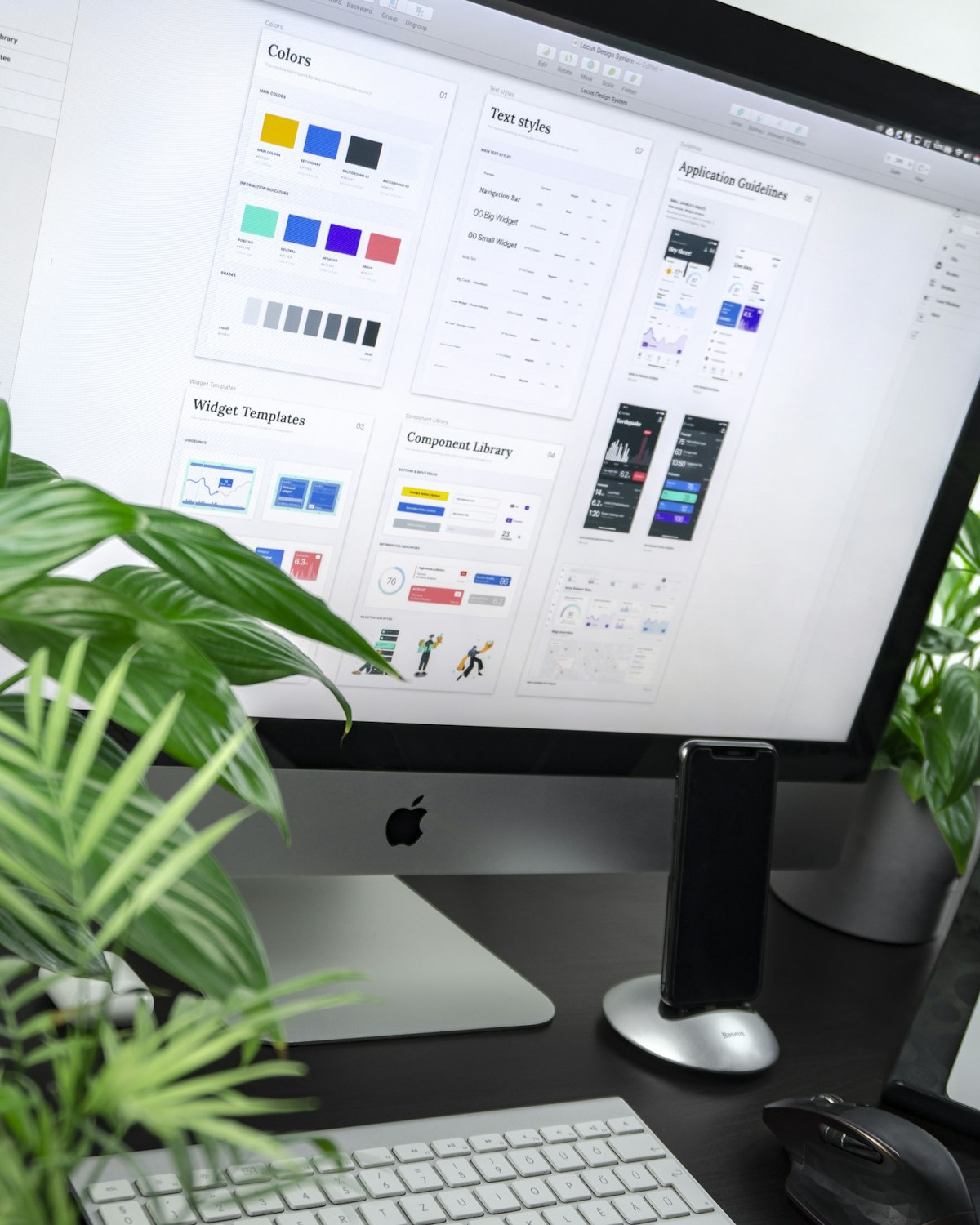
In today's fast-paced digital landscape, the ability to quickly transform design concepts into functional prototypes is a critical skill. Online design utilities have revolutionized this process, enabling designers and developers to create, iterate, and implement designs faster than ever before.
Key Insight: Modern design tools bridge the gap between visual concepts and production code, allowing teams to validate ideas in hours rather than days while generating clean, usable CSS.
The Evolution of Design Prototyping
Design workflows have transformed dramatically over the past decade:
Sketching
Traditional paper wireframes and mockups
Digital Design
Photoshop and Illustrator mockups
Interactive Prototyping
Tools like Figma and Adobe XD
Code Generation
Modern tools that output production CSS
Essential Online Design Utilities
Color Scheme Generators
Creating harmonious color schemes is both art and science. Modern tools analyze color relationships and generate accessible palettes with CSS variables ready for implementation.
Key Features:
- Generate complementary, triadic, and analogous color schemes
- Check contrast ratios for accessibility compliance
- Export as CSS variables or preprocessor formats
- Generate gradient combinations
Example Output:
/* Generated CSS Variables */ :root { --primary: #3a506b; --secondary: #5bc0be; --accent: #1c2541; --light: #f8f9fa; --dark: #0b132b;
} /* Gradient Example */ .gradient-bg { background: linear-gradient(135deg, var(--primary) 0%, var(--accent) 100%);
}
UI Component Builders
Drag-and-drop interfaces for building common UI elements with real-time CSS output. Create buttons, cards, navigation bars, and forms with visual controls.
Design Interface

Visual editor with property controls
CSS Output
/* Button Component */ .primary-btn { display: inline-block; padding: 12px 24px; background-color: var(--primary); color: white; border-radius: 8px; font-weight: 600; text-decoration: none; transition: all 0.3s ease;
} .primary-btn:hover { background-color: var(--accent); transform: translateY(-2px); box-shadow: 0 5px 15px rgba(0,0,0,0.1);
}
Pro Tip: Use these tools to create a library of reusable components with consistent styling. Export the CSS and integrate with your favorite framework.
Layout Generators
Creating responsive layouts with CSS Grid and Flexbox has never been easier. Visual tools let you design complex layouts and generate clean, production-ready code.
Layout Types:
- Grid Systems: Create complex responsive grids
- Flexbox Layouts: Design flexible component arrangements
- Holy Grail Layout: Classic header-content-footer structure
- Card Grids: Responsive card-based layouts
CSS Grid Example:
/* Grid Layout */ .grid-container { display: grid; grid-template-columns: repeat(auto-fit, minmax(300px, 1fr)); gap: 2rem; margin: 2rem 0;
} .grid-item { background: white; border-radius: 10px; box-shadow: 0 5px 15px rgba(0,0,0,0.05); padding: 1.5rem;
}
Animation Creators
Visual tools for creating smooth animations and transitions without writing complex keyframes. Preview in real-time and export production-ready CSS.
Animation Types:
- Entrance/exit animations
- Hover effects and transitions
- Loading animations and spinners
- Scroll-based animations
Generated Keyframes:
/* Fade-in Animation */ @keyframes fadeIn { from { opacity: 0; transform: translateY(20px);
  } to { opacity: 1; transform: translateY(0);
  }
} .animate-fadeIn { animation: fadeIn 0.6s ease-out 0.2s both;
}
Pro Tip: Use animation tools to create a consistent set of animations for your design system. Export as reusable CSS classes.
The Rapid Prototyping Workflow
Implementing a streamlined prototyping process:
- Conceptualize: Sketch initial ideas or gather inspiration
- Design: Use online tools to create color schemes, typography, and components
- Assemble: Combine elements into complete page layouts
- Generate: Export CSS and HTML foundations
- Refine: Customize code to fit specific project needs
- Test: Validate design across devices and browsers
Benefits of Online Design Utilities
Traditional Workflow
- Days to weeks for design implementation
- Designer-developer handoff challenges
- Inconsistent implementation
- Limited iteration cycles
Modern Prototyping
- Hours to implement designs
- Seamless designer-developer collaboration
- Consistent implementation
- Rapid iteration and testing
Best Practices for Rapid Prototyping
Design System First: Start by defining your core design elements (colors, typography, spacing) before building components.
- Reuse Components: Build a library of reusable elements
- Responsive First: Design for mobile and scale up
- Version Control: Track iterations of your prototypes
- Collaborate Early: Involve stakeholders during the design phase
Conclusion
Online design utilities have transformed the prototyping process, enabling teams to move from concept to implementation at unprecedented speed. By leveraging these tools, designers and developers can focus on solving user problems rather than wrestling with implementation details.
Final Thought: The most effective design workflow combines the creativity of human designers with the efficiency of modern tools. Use these utilities to handle repetitive tasks, freeing your time for creative problem-solving.
Leave a Comment
Success!